Results
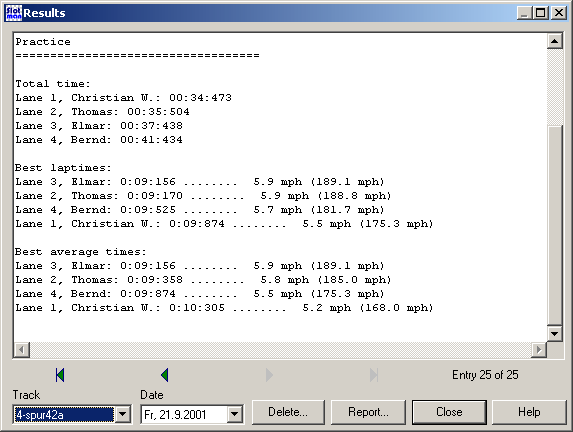
This dialog displays the latest results on any track. On the lower left of the dialog you can choose the track and the date when the event took place. Use “|<”, ”<”, “>”, and “>|” to navigate through the saved results. When opening the dialog the latest result is displayed.
Use “Delete” to open the dialog for deleting timing results”457Z_9N.
Report
Opens the ReportOEEVSP dialog to output reports to the printer or a file.
Created with the Personal Edition of HelpNDoc: Full-featured Help generator